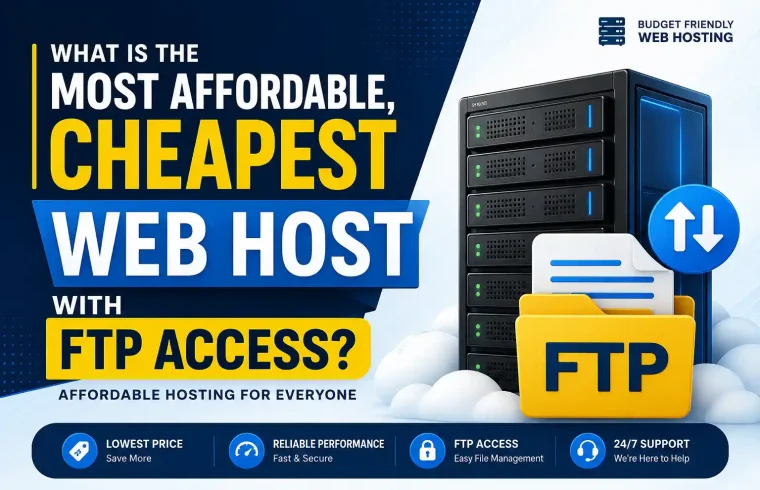
Depending on how long you wish to pay for, which hosting type you need and whether your question is ‘Who is the cheapest web host with FTP access, SSL, cPanel email or even WordPress?
The most common and easiest web host to get FTP access for most beginners is a cheap shared hosting package. These plans are meant for small websites, blogs, portfolio sites and starter business-type websites.
But the lowest price is not always a better deal. You must also examine the renewal price, storage, SSL, email, support, backup & uptime as well as how easy it is to manage files through FTP.
Quick Answer
Generally speaking, the cheapest web host with FTP access is very low-cost shared hosting like IONOS, Namecheap & Hostinger.
For the cheapest entry price, IONOS often has very low first installation hosting deals.
Namecheap — One of the better options we found for easily available, inexpensive cPanel and FTP access.
Hostinger is another good option if you want a more modern host that is easy for beginners to get set up and comes with FTP details included in the admin dashboard.
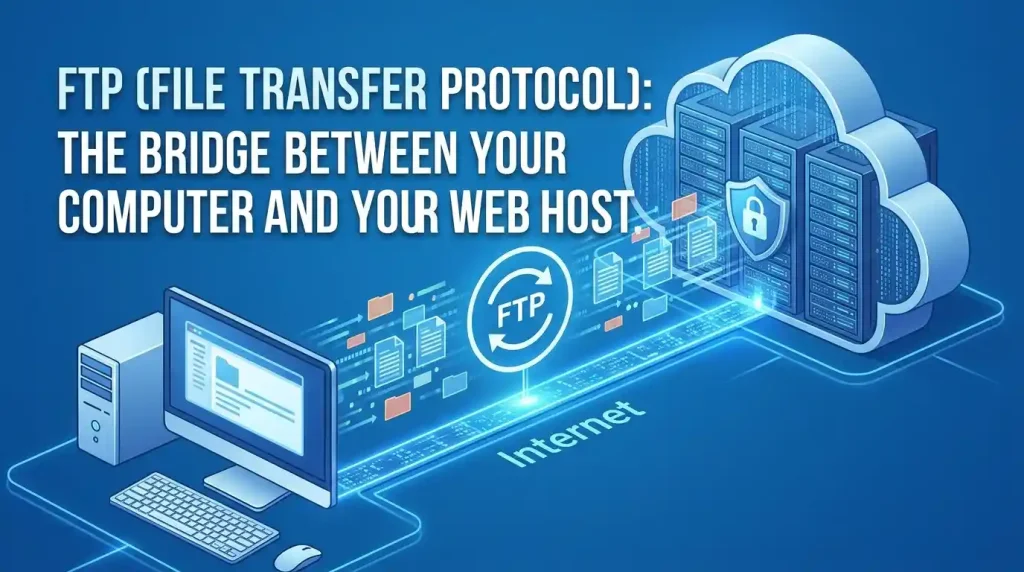
What is FTP access with web hosting?
FTP means File Transfer Protocol.
Using FTP, you can upload files from your computer to hosting (and vice versa) and change/fix files on the web server as necessary.
If you have FTP access, you can use tools like the following:
- FileZilla
- Cyberduck
- WinSCP
- Core FTP
- FTP Manager
FTP helps you when you need more access to your website files. Connect directly to your server and manage files faster, rather than just using the hosting file manager.
Why FTP Access Matters
FTP access allows website owners greater control over their sites and is therefore a very important consideration.
You may need FTP access to:
- Upload website files manually
- Edit theme files
- Upload Files: HTML, CSS, PHP and JavaScript
- Transfer website files from one host to another
- Fix WordPress errors
- Restore backup files
- Upload large files
- Manage custom website projects
- Work with developers
If your web hosting plan does not support FTP or SFTP, file management may be very limited.
The Difference Between FTP and SFTP?
Although FTP and SFTP are both used to transfer website files, they have significant differences.
| Feature | FTP | SFTP |
|---|---|---|
| Full Name | File Transfer Protocol | Secure File Transfer Protocol |
| Security | Basic | More secure |
| Data Transfer | Not always encrypted | Encrypted |
| Best For | Basic file uploads | Safer file management |
| Common Use | Shared hosting | Modern secure hosting |
| Beginner-Friendly | Yes | Yes |
SFTP is preferable if possible due to the increased security. However, standard FTP is still widely used on some shared hosting plans.
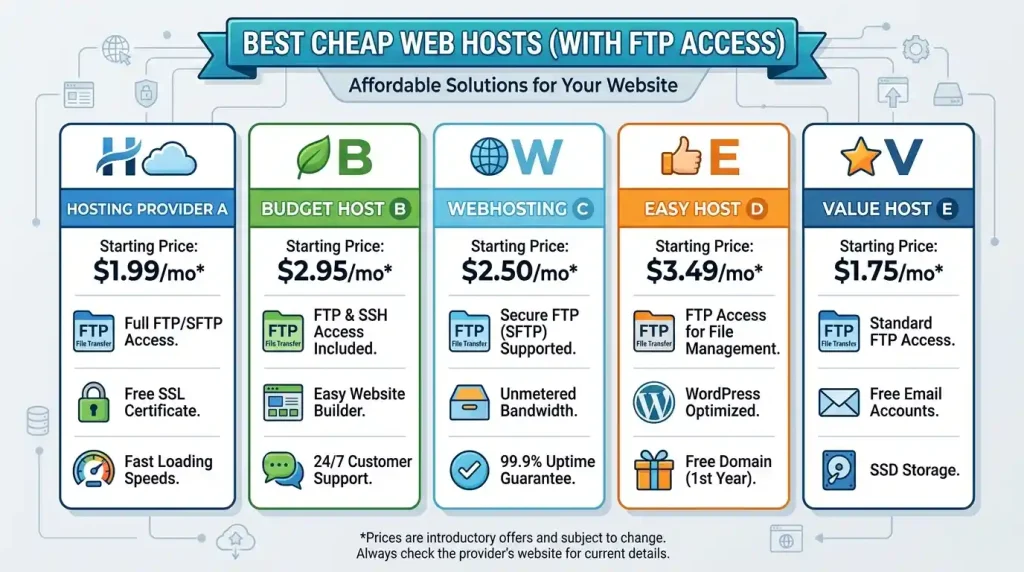
Comparison Of Basic Cheapest Web Hosts With FTP Access
Below is a (non-expanding) list of well-known FTP-enabled budget web hosts.
| Web Host | Best For | FTP Access | Starting Price Style |
|---|---|---|---|
| IONOS | Cheapest introductory hosting | FTP/SFTP support | Very low first-term pricing |
| Namecheap | Cheap cPanel hosting | FTP through cPanel | Budget shared hosting |
| Hostinger | Beginner-friendly hosting | FTP details in hPanel | Low-cost shared hosting |
| GoDaddy | Popular brand hosting | Traditional FTP on shared hosting plans | Higher than some budget hosts |
| Bluehost | WordPress beginners | FTP/SFTP support | Introductory pricing |
| HostGator | Basic shared hosting | FTP access | Budget shared hosting |
Best Cheap Web Host (with FTP Access)
Namecheap is one of the best overall cheap web hosts with FTP access for beginners.
Namecheap is famous for affordable shared hosting, which comes with cPanel, including WordPress installation, email support (20), SSL (2) and FTP account management.
So, if you are wondering why Namecheap might be a good bet for your needs, let me give you a quick overview:
- Cheap shared hosting
- cPanel access
- FTP account support
- WordPress installation
- Email hosting
- SSL support
- Buy the domain and hosting in one place
- Beginner-friendly setup
For users looking for budget-friendly cPanel hosting along with FTP access, Namecheap is a great option.
Cheapest Introductory Option
At times, IONOS can be among the very lowest-priced options.
This is usually appealing to users who wish to launch a minor website at an incredibly inexpensive first-term price. In addition, IONOS offers other hosting capabilities such as SSL, email, domain offers and FTP or SFTP file transfer support based on the type of hosting package.
IONOS may be good for:
- Beginners who are seeking the cheapest starting price
- Small business websites
- Simple WordPress websites
- People who require hosting as well as domain and email
- Users that want to take benefit from SFTP for secure file transfer
Just be sure to look at the renewal price before you purchase; first-term prices that seem too good to be true can sometimes go up on renewal.
Best Beginner-Friendly Option
Hostinger is another solid option for those asking, ‘Who is the cheapest web host with FTP access?
Hostinger is popular due to inexpensive pricing plans, an easy-to-use dashboard, integrated WordPress tools, SSL installation convenience, and email for hosting users with FTP details accessible from within hPanel.
Hostinger may be good for:
- New bloggers
- Small business websites
- WordPress beginners
- Portfolio websites
- Affiliate websites
- Users looking to create a basic dashboard
- Owners who prefer something else other than traditional cPanel
Hostinger does not use cPanel with many plans. You’re using something called ‘hPanel’ – it’s actually meant for more beginner-esque stuff.
Visit this page for the cheapest web host that offers cPanel and FTP access
Namecheap is often the ideal budget option for cPanel users.
Managing with cPanel is a breeze:
- FTP accounts
- File Manager
- Email accounts
- Databases
- Domains
- Subdomains
- SSL
- Backups
- DNS records
- WordPress installation
Because cPanel is widespread, well-documented, and familiar with many beginners.
WordPress is super important in our time.
WordPress cheap hosting: if they provide FTP, you can check the following:
- Namecheap
- Hostinger
- IONOS
- Bluehost
- HostGator
FTP access helps beginners to fix errors, upload themes, replace plugin files and restore their website manually.
Importantly, here are the things a good cheap WordPress host should offer:
- WordPress installation
- FTP or SFTP access
- SSL certificate
- Backups
- Good uptime
- Easy file manager
- PHP and database support
- Support team
- Upgrade options
Are You Consulting Before Going For Low-Cost FTP Hosting
Things to Check Before Picking the Cheapest Web Host with FTP Access
- Is the plan available with FTP or SFTP access?
- Is the price promotional or standard?
- What is the renewal price?
- Does it include free SSL?
- Does it include email hosting?
- Does it support WordPress?
- Does it offer cPanel or a different dashboard?
- How much storage is included?
- Are backups included?
- Is support available 24/7?
- Is there a money-back guarantee?
- Can you upgrade later?
Now the key here is only cheap hosting is good if it provides you the features that you actually need.
The host that is cheapest is not always the best.
Sure, the cheapest web host may save you cash in the short run, but this is not always the best choice for a long-term solution.
Sometimes cheap hosting comes with restrictions of its own:
- Higher renewal price
- Limited storage
- Limited websites
- Limited backups
- Slower performance
- No phone support
- Limited server resources
- Fewer security features
- Less advanced control
Therefore, compare the total sum, and not just the first price.
Top Applications of Affordable FTP-backed Web Hosting
FTP access is essential for lots of websites, and cheap web hosting often offers this feature.
It is good for:
- Personal blogs
- Portfolio websites
- Small business websites
- Local service websites
- Affiliate websites
- Landing pages
- Static HTML websites
- Beginner WordPress websites
- Student projects
- Test websites
Budget hosting with FTP access may be sufficient for smaller or newer sites.
Who Should Steer Clear of the Cheapest FTP Hosting?
Not All Cheap FTP Hosting Is Right for You
You Probably Need Better Hosting If The Following Are True:
- Your website gets high traffic
- You operate a large e-commerce store
- You need premium speed
- You need advanced security
- You need daily backups
- You need developer-level server access
- You need enterprise-level uptime
- You need priority support
In general, for business websites in serious conditions the cheapest plan may be insufficient.
Best Pick: Cheapest Web Host With FTP?
For the lowest entry price available, IONOS is one of the cheapest web hosts that give access to FTP or SFTP.
Another best option for cheap cPanel hosting with FTP access is Namecheap.
Then, if you seek to have a quality cheap dashboard without complicatedness as well as FTP info, Hostinger is meant for you.
So the best answer is:
- Cheapest intro deal: IONOS
- Best cheap cPanel hosting: Namecheap
- Best beginner-friendly budget hosting: Hostinger
- Best popular brand option: GoDaddy
- Best WordPress beginner option: Bluehost
Namecheap & Hostinger are safest budget options for most new users wanting affordable & easy FTP access upto Oct 2023
Final Verdict
If you are looking for who the almost free web host with FTP access is, don’t pick based on price alone. Other features like FTP support, SSL, storage, renewal price, backup and support are also to be checked along with WordPress compatibility.
While IONOS may be the cheapest entry-level deal, Namecheap is great for cheap cPanel web hosting that includes FTP access, and Hostinger is a solid option for anyone looking for cheap hosting with modern dashboard components.
Cheap FTP hosting can be a good option for a simple blog, a portfolio, a small business website and even a beginner WordPress site. However, even on high-traffic websites or large e-commerce stores, you have to opt for much stronger hosting.
FAQ
The Cheapest Web Host that also gives you ftp access
Generally, IONOS, Namecheap and Hostinger rank among the cheapest web hosts with FTP or SFTP access — but it does depend on their latest deals and pricing.
Cheap web hosting, including the FTP access?
Most budget shared host plans come with FTP or SFTP access, but always remember to check the plan before purchase.
Do you need FTP access for WordPress?
FTP access is important to WordPress because it allows you to upload files, resolve errors, edit themes, restore backups and manually install plugins.
Is SFTP better than FTP?
Yes, SFTP is better, as it transfers the files over a secure encrypted channel.
Q. Is there FTP access provided in Namecheap hosting?
Yes, you can access FTP accounts to manage your website files through cPanel hosting.
Does Hostinger include FTP access?
Yes, you get FTP info for your hosting plans via hPanel at Hostinger, but due to the nature of some of their website builder products, it does not allow for an external FTP file transfer.
Does GoDaddy support FTP access?
What kind of FTP does GoDaddy support? Yes, standard FTP is on Web Hosting, Web Hosting Plus and Windows Hosting plans.
Whether cheap hosting is good for business sites
Low-cost hosting works great for small business websites, but bigger business websites need more powerful performance, backups and support.
Is it wise to go for cPanel hosting with FTP access?
If you want FTP account management, a file manager, email tools, databases and DNS settings on the same platform, cPanel hosting is a good option for you.
Which is the best cheap web host with FTP access on the internet for newbies?
Namecheap and Hostinger are the best for beginners since they provide cheap hosting and easy file management.