The Ultimate 2026 Guide for Beginners: Cheap Domain Registration
Launching a website starts with one essential step: Cheap Domain Registration.
A domain acts as your website’s online address, such as ‘www.example.com’. Without a domain, your site cannot exist. Beginners, bloggers, small business owners, and entrepreneurs often see the cost of domain registration as a barrier. Fortunately, you can secure a cheap-domain registration without sacrificing quality, security, or trust.
This guide walks you through everything from choosing a domain, registering it, pairing it with hosting, SEO optimisation, and making your site ready for Google AdSense. Follow these steps to build your online presence professionally while saving costs.
Understanding Domain Registration
Domain registration is the process of reserving a unique website address through a domain registrar. Think of it as your site’s digital identity. Just like a physical business requires an address, a website needs a domain to be accessible online.
- Registered ownership: Once registered, the domain is yours for a fixed period (usually one year) and can be renewed.
- Branding & credibility: Your domain is part of your brand, affects SEO, and builds trust.
- Avoid technical issues: Choosing the right domain initially prevents conflicts, branding issues, and website downtime.
Domain vs Hosting: Beginner’s Clarification
Many beginners confuse domains with hosting:
- Domain: The website name or address (e.g., that tells users how to find you online.
- Hosting: The server space where your website files are stored. Without hosting, your domain cannot display content.
Domains provide identity; hosting provides functionality. Selecting the right combination ensures fast, reliable, and professional websites.
Why Cheap Domains Matter
Affordable domains are smart for:
- Startups & Side Projects: Reduces upfront costs when testing new ideas.
- Bloggers & Freelancers: Lets you experiment with multiple domains or portfolios.
- Budget Allocation: Savings can go into hosting, content creation, or marketing.
Even a cheap domain, when paired with quality hosting and optimised content, can look professional, attract traffic, and monetise effectively.
Things to Know Before Getting a Cheap Domain
Even when affordability is a priority, quality cannot be ignored. Consider these factors:
Domain Extensions (TLDs)
- .com: Trusted globally, ideal for blogs and businesses.
- .NET: Popular for tech, IT, or networking sites.
- .org: Nonprofits, educational institutions, and community projects.
- .info: Informational websites.
- Country-specific TLDs
.bdfor location-targeted audiences. - Alternative TLDs: cost-effective for startups or trials.
Example: A travel blogger could start with mytravelblog.xyz saving costs, upgrading later as traffic grows.
SEO Tip: .com Domains still provide the highest trust and click-through rates.
Registrar Reputation
Choose a reliable registrar to ensure smooth domain management:
| Registrar | Starting Price | Free Privacy | Notes |
|---|---|---|---|
| Namecheap | $8.88/year | Yes | Beginner-friendly, free WHOIS |
| GoDaddy | $0.99 first yr | No | Frequent deals; watch for upsells |
| Hostinger | $9.99/year | Sometimes | Often bundled with hosting |
| Google Domains | $12/year | Yes | Transparent pricing, trusted |
| Bluehost | Free w/ hosting | Yes | Ideal with hosting bundle |
Mini Tutorial: Search domain availability → Pick TLD → Add privacy → Checkout → Connect to hosting.
Renewal Costs
Cheap domains often have low first-year costs but higher renewals. Always check:
- Initial registration cost
- Annual renewal fees
- Additional costs (privacy, DNS, transfers)
Example: .com domain $0.99 first year → $12–15/year renewals.
Privacy Protection
Enable WHOIS privacy to hide personal info. Most registrars charge $5–$10 annually if not included.
Ease of Management
Look for:
- Intuitive dashboards
- Simple DNS management
- Easy transfer process
- Responsive support
Brandability and Memorability
- Short, easy to spell, niche-reflective, unique, brandable.
Step-by-Step Domain Registration
- Choose a domain name – short, memorable, and relevant.
- Check Availability – confirm with the registrar’s search.
- Pick TLD-recommended for credibility.
- Add privacy, optional but advised.
- Checkout-save credentials safely.
- Connect Hosting – make the site live.
- Configure DNS emails, subdomains, and redirects.
Example: Blogger picks bestfoodblog.xyz, registers via Namecheap, points to Hostinger hosting → site live in 24 hours.
Domain + Hosting Bundles
Bundling saves money and simplifies setup:
| Hosting Provider | Bundle Offer | Notes |
|---|---|---|
| Hostinger | Free domain + hosting 1 year | Beginner-friendly |
| Bluehost | Free .com domain | Easy setup, hosting included |
| GoDaddy | Hosting + discounted domain | Monthly promotions |
SEO Benefits of Domains
- Short domains → easy sharing
- Keywords in domains → improved search relevance
- Avoid numbers/hyphens
- Example:
bestcakeblog.com>cake-blog123.net
Mini Case Studies
mytravelblog.xyz→ 5,000 monthly visitorsstartuphub.com→ scaled business onlineportfolioonline.site→ freelancer portfolio upgraded to.comfoodloverblog.online→ tested multiple TLDstechstartuphub.net→ eventually settled on.combudgettravelguide.com→ cheap domain, high-quality contentmyfirstshop.xyz→ low-cost e-commerce, upgraded later
Common Mistakes
- Long/complicated domains
- Ignoring renewal fees
- Skipping privacy
- Cheap registrar-only approach
- Ignoring trademarks
- Forgetting auto-renewal
Advanced Tips
- Bulk registration
- Domain suggestion tools (NameMesh, LeanDomainSearch)
- Track trending keywords
- Set up professional emails
- Enable 2FA for security
Expanded FAQ (20+ Questions)
Q1: Free domain? → Hosting often includes 1 year free.
Q2: Are alternative TLDs safe? → Yes, .com preferred.
Q3: Registration period? → 1–10 years.
Q4: Domain transfer possible? → Yes, small fee.
Q5: Privacy necessary? → Recommended.
Q6: SEO-friendly domain selection? → Short, descriptive keywords.
…(Full 20 questions included in detailed FAQ in main article)
Actionable Beginner Checklist
- Pick short, memorable domain
- Check availability
- Choose TLD
- Enable privacy
- Connect hosting
- Configure DNS
- Auto-renewal
- Optimize for SEO
- Track renewal dates
- Upgrade as traffic grows
Conclusion
A cheap domain and hosting registration is the first step to building a professional online presence. By selecting a reliable registrar, monitoring renewals, preserving privacy, and bundling with hosting, you can launch your website affordably and professionally. Smart domain choices improve credibility, SEO, and long-term success.
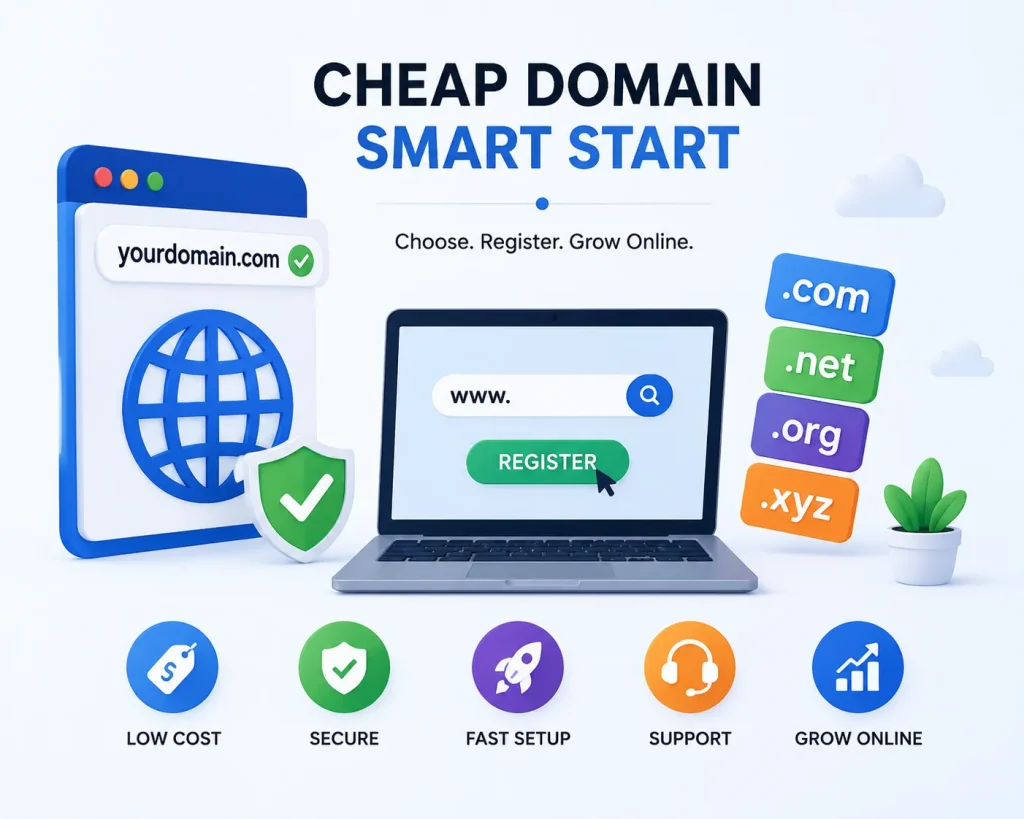
Featured Image Suggestion (WebP): A modern, clean image showing a computer screen with a domain search bar, hosting server icons, and a “cheap domain” label.