AI WordPress Website Builder: How to Build a Website With AI
AI WordPress Website Builder: 7 Easy Ways to Build a Website With AI
Building a WordPress website no longer has to mean spending hours choosing a theme, creating page layouts, writing content, and configuring every section manually. An AI WordPress website builder can help you create the basic structure of a website much faster.
AI can help generate layouts, write draft content, suggest designs, create sections, and assist with WordPress editing. However, AI should not completely replace human editing. You still need to check the content, customize the design, improve SEO, and make sure everything works properly before publishing.
In this guide, you’ll learn how to build a WordPress website with AI, what tools you can use, how AI website builders work, and what you should do after AI creates your website.
Table of Contents
- What Is an AI WordPress Website Builder?
- How Does an AI Website Builder Work?
- 7 Easy Ways to Build a WordPress Website With AI
- WordPress.com AI Website Builder vs Self-Hosted WordPress
- What Can AI Do for a WordPress Website?
- What AI Cannot Do for You
- How to Optimize an AI-Built WordPress Website
- Common Mistakes to Avoid
- Frequently Asked Questions
- Final Thoughts
What Is an AI WordPress Website Builder?
An AI WordPress website builder is a tool that uses artificial intelligence to help create or customize a WordPress website.
Instead of starting with a completely blank website, you can describe what you want in normal language.
For example, you could tell an AI tool:
“Create a simple website for a small digital marketing agency with a homepage, services page, about page, contact section, and a professional blue-and-white design.”
The tool can then use that information to generate parts of the website.

Depending on the tool, AI may help with:
- Website layouts
- Page sections
- Text and headings
- Images
- Colors and fonts
- Blog content
- WordPress blocks
- SEO suggestions
- Website customization
- Basic code or CSS
The exact features depend on the AI tool you use.
For example, WordPress.com currently offers an AI website builder that can create a designed website from a prompt and then let you customize the generated website manually.
How Does an AI Website Builder Work?
The basic process is simple.
You provide information about your website, such as:
- Website type
- Business or website name
- Target audience
- Main services
- Preferred design
- Pages you need
- Content requirements
The AI then uses that information to generate a starting point.
A simplified process looks like this:
Your prompt → AI generates website structure → You customize it → Add content → Optimize SEO → Test → Publish
The important part is the fourth and fifth steps.
AI-generated websites should not simply be published without checking them. Google recommends people-first content and warns against producing large amounts of low-value automated content just to manipulate search rankings.
7 Easy Ways to Build a WordPress Website With AI
1. Choose Your Domain and Web Hosting
Before creating a self-hosted WordPress website, you normally need two basic things:
Domain: Your website address, such as example.com.
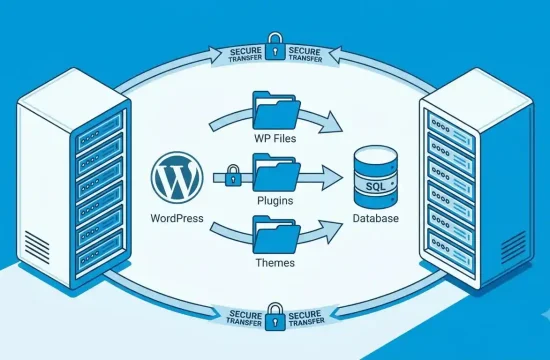
Web hosting: The server environment where your website files and database are stored.
If you’re not sure what hosting you need, first read GlobalVior’s guide on how to choose web hosting. It covers hosting types, resources, backups, security, support, pricing, and upgrade options. How to Choose Web Hosting
For a new website, you usually don’t need the most expensive hosting plan.
Start with hosting that provides enough resources for your current traffic and gives you an easy upgrade path as the website grows.
What should you check?
Look at:
- WordPress compatibility
- Storage
- CPU and memory resources
- SSL
- Backups
- Security features
- Customer support
- Renewal pricing
- Upgrade options
Your hosting is the foundation of your website, so choosing it based on actual requirements is better than choosing the cheapest plan available.
2. Install WordPress
Once you have hosting, install WordPress.
Many hosting companies provide an automatic WordPress installation option through their control panel.
After installation, you normally receive access to your WordPress dashboard.
From there, you can manage:
- Pages
- Posts
- Themes
- Plugins
- Media
- Users
- Settings
If you’re new to WordPress, don’t install dozens of plugins immediately.
Start with the features you actually need.
A simple website with fewer unnecessary plugins can also be easier to maintain and troubleshoot.
3. Choose an AI Website Builder or AI Tool
Now comes the main part.
There are several ways to use AI with WordPress.
Option 1: Use an AI website builder
Some services can generate an entire website from a description.
WordPress.com, for example, provides an AI website builder that can generate a website from a prompt and then allow you to customize the result.
Option 2: Use AI inside WordPress
Another approach is to install an AI-powered WordPress plugin or use an AI assistant that works with the WordPress editor.
For example, the WordPress.org plugin directory includes AI tools that can generate or modify Gutenberg blocks through natural-language instructions.
Option 3: Use AI for individual tasks
You don’t necessarily need an AI tool that builds the entire website.
You can use AI separately for:
- Homepage copy
- Blog outlines
- Product descriptions
- CSS suggestions
- SEO titles
- Meta descriptions
- Image ideas
- FAQ sections
For many website owners, this gives more control than letting AI generate everything at once.
4. Give AI a Detailed Website Prompt
The quality of an AI-generated website depends heavily on the information you provide.
A vague prompt might produce a generic website.

Instead of:
“Create a business website.”
Give the AI more useful information.
Example AI prompt
Create a professional WordPress website for a small web design agency. The target audience is small businesses and freelancers. Create a homepage with a hero section, services, about section, portfolio, testimonials, FAQ, and contact section. Use a clean modern design with simple typography, plenty of white space, and a mobile-friendly layout. Keep the design professional and easy to navigate.
This gives the AI much more context.
You can also tell it:
- Which pages you need
- Your preferred colors
- Your target audience
- Your services
- Your preferred writing style
- The type of images you want
- Your call-to-action
- Your navigation structure
The more useful information you provide, the easier it is to customize the result.
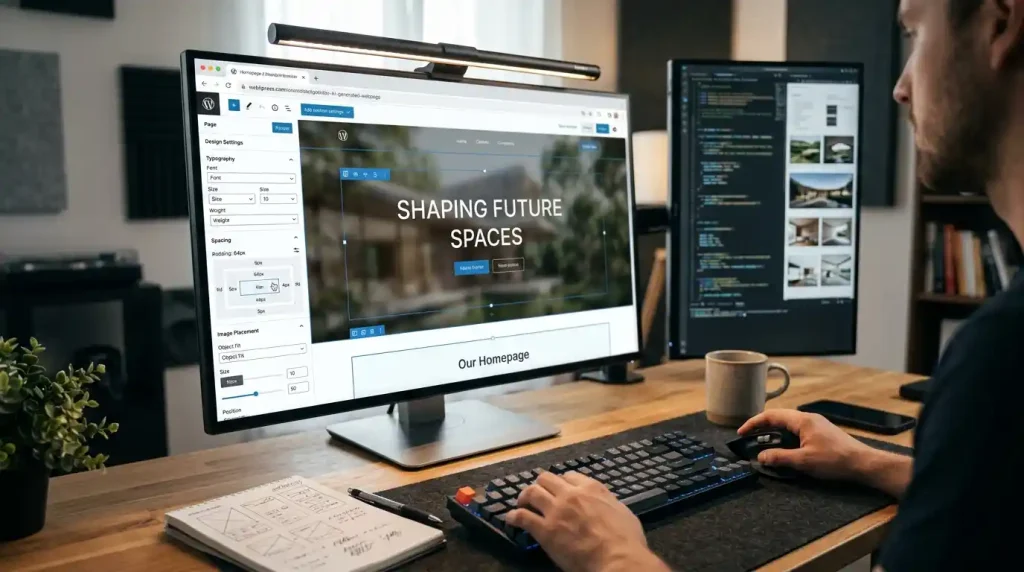
5. Customize the AI-Generated Website
Don’t publish the first version AI gives you.
Treat it as a starting point.
Check every important section.
Check the homepage
Make sure the homepage clearly explains:
Who you are → What you offer → Who you help → What visitors should do next
For example:
Weak:
Welcome to our website. We provide the best solutions.
Better:
We build fast, mobile-friendly websites for small businesses that want more customers online.
The second version tells visitors exactly what the business does.
Check your navigation
Your main menu should be simple.
For many websites, this may be enough:
- Home
- About
- Services
- Blog
- Contact
Don’t create ten menu items just because AI suggested them.
Check mobile design
Open the website on a phone and check:
- Text size
- Buttons
- Images
- Navigation
- Spacing
- Forms
- Tables
A website that looks good on a desktop can still have problems on smaller screens.
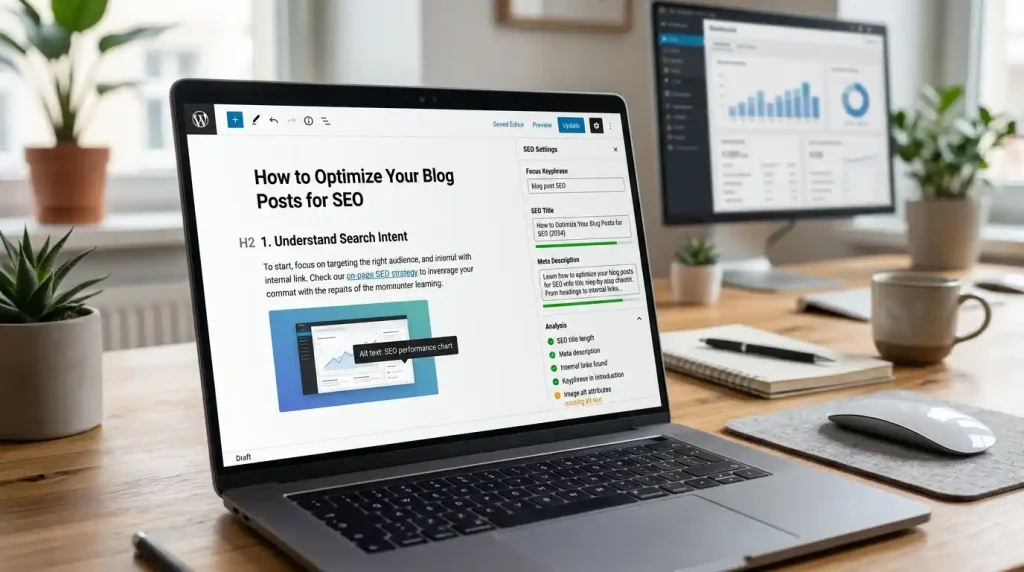
6. Use AI to Help With Content and SEO
AI can save time when creating the first draft of website content.
You can use it to generate:
- Blog outlines
- FAQ questions
- Page introductions
- Meta descriptions
- Title ideas
- Content summaries
- Internal linking ideas
But don’t publish AI-generated text without reviewing it.
Google’s current guidance says generative AI can be useful for research and structure, but automatically producing many pages without adding value can become a problem. Google also recommends manually reviewing AI-generated content for accuracy and relevance.
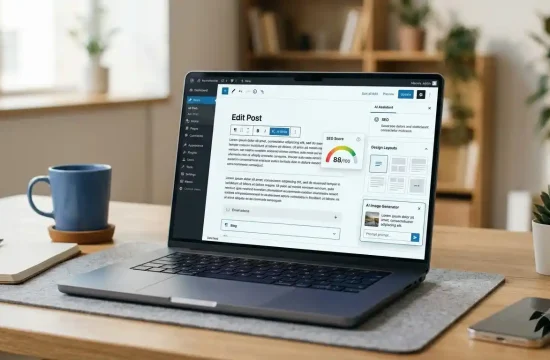
For WordPress SEO, you can also use an SEO plugin to manage titles, meta descriptions, XML sitemaps, schema settings, and other SEO controls.
If you’re choosing an SEO plugin, see our guide to the best WordPress SEO plugins. Best WordPress SEO Plugins
You can also follow our WordPress SEO guide for a practical checklist covering keywords, content, URLs, images, internal links, and other important areas. How to Do WordPress SEO
7. Test and Optimize Before Publishing
Your website isn’t finished just because AI has generated the pages.
Before publishing, test everything.
Check these areas:
Links:
Make sure internal and external links work.
Forms:
Submit your contact form and confirm that messages are received.
Images:
Check image quality, dimensions, filenames, and ALT text.
Mobile:
Test the website on a phone.
Speed:
Check how quickly pages load.
SEO:
Review titles, descriptions, URLs, headings, and indexing settings.
Security:
Use strong administrator credentials and keep WordPress, themes, and plugins updated.
Content:
Check every AI-generated paragraph for accuracy and unnecessary claims.
If your WordPress website is slow, our WordPress speed optimization guide covers image optimization, plugins, themes, caching, and other practical improvements. WordPress Speed Optimization Guide
WordPress.com AI Website Builder vs Self-Hosted WordPress
These two approaches are easy to confuse.
| Feature | WordPress.com AI Builder | Self-Hosted WordPress + AI |
| Initial setup | Easier | Requires hosting setup |
| AI website creation | Built into the platform | Depends on tools/plugins |
| Hosting | Provided by platform | You choose hosting |
| Customization | Depends on plan | Generally extensive |
| Plugins | Depends on plan | Large plugin ecosystem |
| Server control | Limited | More control |
| Beginner friendly | Very beginner-friendly | Requires more setup |
| Flexibility | Depends on platform | High |
WordPress.com’s AI website builder is designed to make the initial website creation process easier. Self-hosted WordPress gives you more control over your hosting environment, themes, plugins, and website configuration.
The better option depends on how much control you want.
What Can AI Do for a WordPress Website?
AI can be useful in many parts of website management.
Website Design
AI can suggest:
- Page layouts
- Color combinations
- Typography
- Section structures
- Navigation ideas
Content Creation
AI can help create first drafts for:
- Blog posts
- FAQs
- Product descriptions
- Service pages
- Headlines
- Meta descriptions
But every important piece of content should be reviewed before publication.
Website Development
AI can also help developers create:
- CSS snippets
- HTML
- JavaScript
- PHP examples
- WordPress block structures
This can be useful when you understand what the code is supposed to do.
Never paste unknown code into a production website without understanding or testing it first.
SEO
AI can help brainstorm:
- Keyword variations
- Article outlines
- FAQ questions
- Title ideas
- Internal linking opportunities
- Content gaps
However, AI does not guarantee Google rankings.
Good SEO still requires useful content, proper site structure, technical health, and a good experience for visitors.
What AI Cannot Do for You
AI is useful, but it isn’t a complete replacement for a website owner.
You still need to make decisions about:
Your audience
AI doesn’t automatically know exactly what your visitors want.
Your brand
Your website should have its own voice rather than sounding like thousands of other AI-generated websites.
Accuracy
AI can produce incorrect information.
Business decisions
AI can suggest options, but you need to decide which hosting plan, plugin, theme, service, or strategy actually fits your needs.
Website testing
AI can tell you what to check, but you still need to test your forms, links, pages, mobile layout, and website performance.
How to Optimize an AI-Built WordPress Website
Once your website has been generated, focus on these areas.
1. Improve the Content
Remove generic paragraphs.
Add information that is actually specific to your business, website, or audience.
Instead of:
We provide high-quality digital solutions.
Explain exactly what you provide and who it is for.
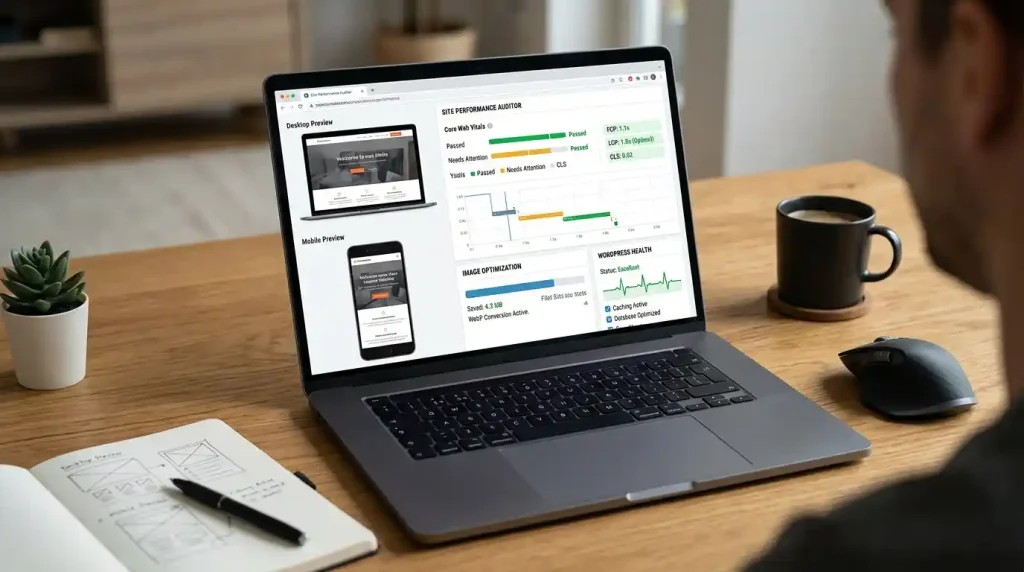
2. Optimize Images
Large images can slow down a website.
Use appropriately sized images and modern formats where suitable.
Avoid uploading huge images directly from your phone or camera when a much smaller version is enough.
3. Improve Website Speed
An AI-generated design may contain unnecessary animations, scripts, images, or sections.
Remove anything you don’t need.
A simple website can often be easier to maintain and optimize than a page overloaded with visual effects.
4. Create Internal Links
Connect related articles and pages.
For example, an article about building a WordPress website with AI can naturally link to content about:
- WordPress SEO
- Web hosting
- Website speed
- WordPress plugins
- DNS
- Website errors
This helps readers discover related information and gives your website a clearer content structure.
5. Check DNS and Hosting
If your new website isn’t opening correctly after changing hosting or domain settings, check your DNS configuration.
GlobalVior’s DNS beginner guide explains how DNS works and how it relates to domains and website connections. What Is DNS?
If you see a specific DNS error, such as DNS_PROBE_FINISHED_NXDOMAIN, use a dedicated troubleshooting guide instead of changing random DNS records.
Common Mistakes When Using an AI WordPress Website Builder
Publishing the First AI Version
The first version is usually a starting point, not the finished website.
Edit it.
Add your own information.
Remove unnecessary sections.
Using Too Much AI-Generated Content
Publishing dozens of automatically generated articles without adding useful information is not a good SEO strategy.
Google’s guidance emphasizes people-first content rather than content created mainly to attract search traffic.
Installing Too Many AI Plugins
You don’t need an AI plugin for every task.
Choose tools based on what you actually need.
Too many plugins can also make website management more complicated.
Ignoring Website Speed
A beautiful AI-generated website can still be slow.
Check:
- Image sizes
- Plugins
- Theme features
- Scripts
- Caching
- Server performance
Forgetting About Security
AI doesn’t automatically secure your website.
Use strong passwords, keep software updated, use HTTPS, and maintain reliable backups.
Not Checking AI-Generated Information
AI can make mistakes.
Always verify important technical information, product specifications, pricing, instructions, and claims before publishing them.
Frequently Asked Questions
Can I build a WordPress website with AI?
Yes. AI can help generate website layouts, content, design ideas, blocks, and other parts of a WordPress website. Some platforms provide complete AI website builders, while other tools work inside WordPress to assist with specific tasks.
Is there an AI WordPress website builder?
Yes. WordPress.com provides an AI website builder that can generate a website from a description and allow you to customize the result. There are also AI-powered tools and plugins available for WordPress.
Can AI create a complete website?
AI can generate much of the initial website structure, but you should still review and customize it. Content accuracy, branding, navigation, SEO, security, performance, and mobile usability still need human attention.
Can I build a WordPress website with AI without coding?
Yes. Many AI website builders are designed for people without coding experience. You can describe the website you want and then customize the generated pages through a visual editor. However, some advanced WordPress customization may still require technical knowledge.
Can AI write WordPress blog posts?
Yes. AI can create outlines and first drafts for WordPress blog posts. However, you should fact-check, edit, and improve the content before publishing. Google recommends focusing on accurate, useful, people-first content rather than producing large amounts of low-value automated content.
Does AI-generated content rank on Google?
AI-generated content can appear in Google Search, but using AI does not guarantee rankings. Google emphasizes the quality, originality, accuracy, and usefulness of content rather than simply whether AI was used to create it.
Is an AI website builder better than traditional WordPress?
Not necessarily. An AI builder can make initial setup faster, while traditional WordPress gives you more control over how the website is built and customized. The better choice depends on your technical experience and website requirements.
What should I do after AI creates my website?
Review the content, customize the design, check mobile responsiveness, optimize images, configure SEO, test forms and links, improve website speed, secure the website, and create regular backups before promoting the website.
Final Thoughts
An AI WordPress website builder can make website creation much faster, especially if you’re starting from scratch.
AI can help with the initial design, content, page structure, images, SEO ideas, and even some development tasks. But the best results come from using AI as an assistant rather than allowing it to make every decision.
Start with a clear website plan. Give the AI a detailed prompt, customize the generated design, replace generic content with useful information, optimize the website for search and speed, and test everything before publishing.
Most importantly, don’t build a website simply because AI makes it easy to create pages.
Build something that gives visitors a reason to stay.
Google’s current guidance also points in the same direction: create content primarily for people, make it useful and accurate, and add real value instead of producing pages only to attract search traffic.