
Choosing a WordPress theme can feel surprisingly difficult when you are building a website for the first time. There are thousands of free and premium themes, and many of them look impressive in their demos.
But a beautiful demo does not automatically mean a theme is right for your website.
The theme you choose can influence your site’s appearance, usability, loading experience, customisation options, and even how easily you can maintain the website later. A theme that works perfectly for a personal blog may not be the right choice for an online store or a business website.
This guide explains how to choose a WordPress theme based on practical factors rather than appearance alone. You will learn what to check before installing a theme and which mistakes are worth avoiding.
What Is a WordPress Theme?
A WordPress theme controls much of the visual presentation of your website.
It can determine elements such as:
- Page layouts
- Typography
- Colours
- Navigation menus
- Blog post layouts
- Headers and footers
- Buttons and other design elements
- Responsive behaviour on mobile devices
A theme does not normally provide all of the functionality of your website. Plugins can add features such as contact forms, SEO tools, e-commerce capabilities, security tools, and backups.
That distinction is important.
You should generally choose a theme for its design foundation and layout capabilities, rather than expecting it to provide every feature your website may ever need.
How to Choose a WordPress Theme
Before installing a theme, take a few minutes to think about what your website actually needs.
A good theme should fit your content, audience, technical requirements, and long-term plans.
Here are 12 things worth checking.
1. Start With Your Website’s Purpose
The first question is simple:
What is your website for?
Your answer should influence the type of theme you choose.
For example:
- A personal blog may benefit from a clean reading-focused layout.
- A business website may need prominent service sections and contact information.
- An online store needs product-focused layouts.
- A portfolio needs strong image presentation.
- A news or magazine website may require more advanced content layouts.
Do not start by asking, “Which theme looks the coolest?”
Start by asking, “Which layout will help my visitors understand and use my website?”
That small change in approach can make the selection process much easier.
Best WordPress hosting services
2. Look for a Clean and Flexible Design
A theme should make your content easier to consume, not compete with it.
Look for:
- Clear navigation
- Readable typography
- Comfortable spacing
- Consistent headings
- Simple colour combinations
- Well-organised page sections
A theme with too many visual effects, animations, pop-ups, or decorative elements may look impressive in a demo but become distracting on a real website.
A simple design is often easier to maintain and customise.
3. Check Mobile Responsiveness
A website needs to work well on different screen sizes.
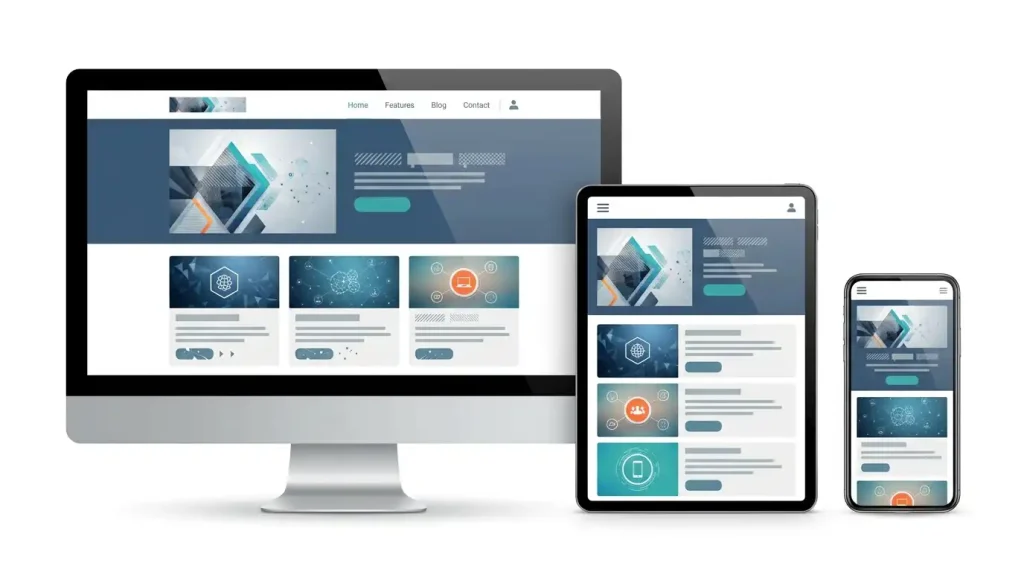
Before choosing a theme, test its demo on:
- Desktop
- Laptop
- Tablet
- Smartphone
Pay attention to more than whether the page technically fits the screen.
Check whether:
- Text remains easy to read
- Buttons are large enough to tap
- Menus are easy to use
- Images resize correctly
- Tables or other wide elements remain usable
- Important content stays visible
A theme that looks excellent on a large monitor but feels awkward on a phone may create a poor experience for visitors.
4. Consider Loading Performance
Your theme is only one part of website performance, but it can still matter.
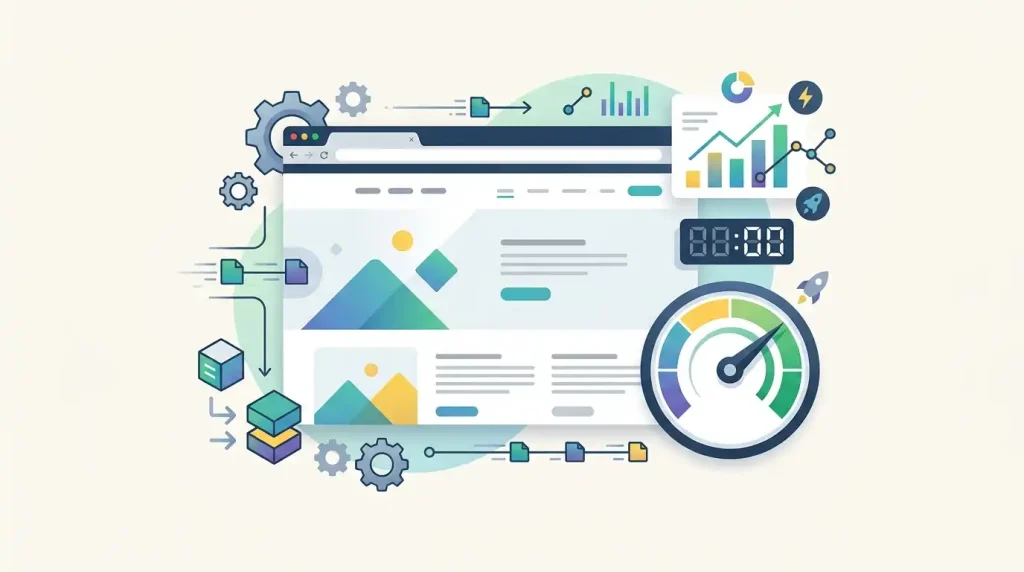
A theme that loads large scripts, unnecessary assets, or excessive visual effects may require more work to optimise.
When comparing themes, look for a lightweight design with only the functionality you actually need.
You can also test a theme demo with performance tools before committing to it. Remember that a demo score is not a guarantee of the same score on your own website because plugins, images, hosting, caching, and content can change the result.
For better performance, also optimise your images and avoid installing unnecessary plugins.
5. Make Sure It Works With Your Page Builder
If you already use a page builder, theme compatibility matters.
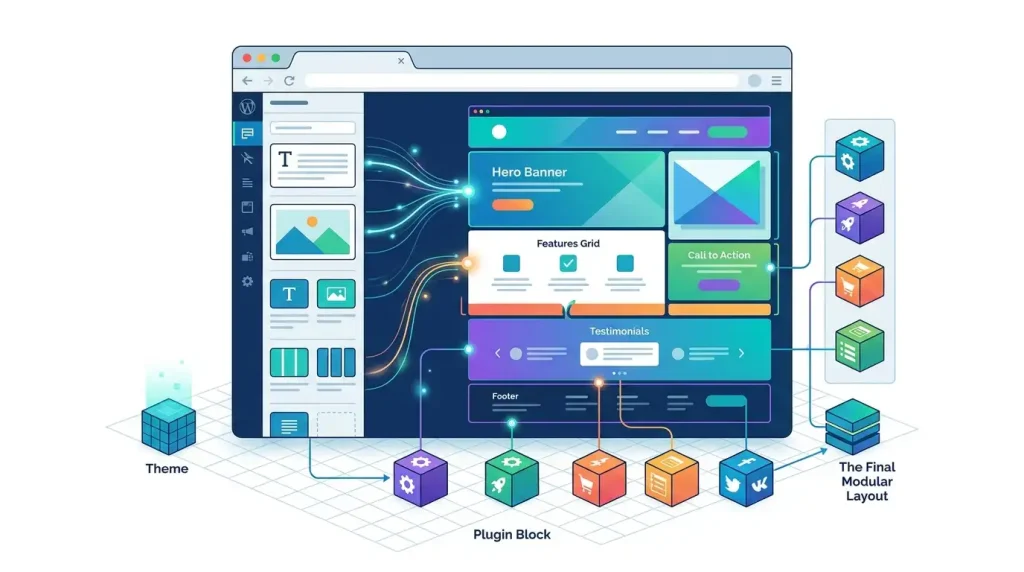
Some WordPress users prefer the block editor, while others use tools such as Elementor or another page builder.
Before choosing a theme, check whether it works properly with the editor and tools you plan to use.
A theme that requires you to completely change your workflow can create unnecessary frustration.
It is also worth checking whether the theme depends on a large collection of additional plugins to reproduce its demo design.
6. Check Customization Options
You should be able to make the theme feel like your own website.
Useful customization options may include:
- Logo placement
- Header layouts
- Footer settings
- Typography controls
- Colour settings
- Blog layout options
- Sidebar controls
- Container width
- Button styles
However, more settings do not always mean a better theme.
A theme with hundreds of confusing options can be harder to manage than a simpler theme with the settings you actually need.
Choose flexibility that is useful rather than complexity for its own sake.
7. Look at the Theme’s Update History
WordPress websites need ongoing maintenance.
Before installing a theme, check whether it is actively maintained.
Look for information about:
- Recent updates
- Compatibility with current WordPress versions
- Changelog entries
- Developer activity
- Support availability
An attractive theme that has not been updated for a long time may create maintenance problems later.
This does not mean every older theme is automatically unsafe, but a clear maintenance history gives you more confidence about its future compatibility.
8. Check Reviews and User Feedback
Do not rely entirely on the theme’s marketing page.
Read user reviews when they are available.
Look for repeated comments about:
- Bugs
- Poor support
- Difficult customization
- Compatibility problems
- Performance issues
- Missing features
One negative review does not necessarily mean a theme is bad. What matters is whether the same problem appears repeatedly across many users.
Also consider when the reviews were written. A problem from several years ago may have already been fixed.
9. Check Documentation and Support
Good documentation can save you a lot of time.
Before choosing a theme, see whether the developer provides useful instructions for:
- Installation
- Setup
- Customization
- Importing starter designs
- Troubleshooting
- Updates
If you are buying a premium theme, also check what type of support is included and how long support lasts.
Beginners especially benefit from clear documentation because not every WordPress problem requires contacting support.
10. Avoid Themes That Try to Do Everything
A common mistake is choosing a theme because it advertises dozens of built-in features.
At first, that can seem convenient.
But consider what happens if you only need a simple blog layout while the theme includes sliders, animations, portfolio systems, custom widgets, popup tools, and other functionality you never use.
A more focused theme can be easier to maintain.
A useful rule is:
Choose the simplest theme that can comfortably handle your website’s actual requirements.
You can add specialised functionality through reputable plugins when necessary.
11. Check Accessibility and Readability
Design should not only look good; it should also be usable.
Check whether the theme provides:
- Good text contrast
- Readable font sizes
- Clear navigation
- Visible links
- Logical heading structure
- Keyboard-friendly interactions
Think about visitors who may browse your website using different devices or accessibility tools.
You do not need to become an accessibility expert before choosing a theme, but basic usability should be part of your decision.
12. Think About Long-Term Maintenance
A theme is not something you should choose only for today’s design.
Ask yourself:
- Will I still be able to edit it easily next year?
- Does it receive updates?
- Can I change themes later without losing important content?
- Does it depend on proprietary features?
- Will I need many extra plugins to maintain it?
This is particularly important for business websites.
A theme that is easy to maintain can save time and reduce unnecessary technical work as your website grows.
Free vs Premium WordPress Themes
One of the first decisions you may face is whether to use a free or premium theme.
Free Themes
Free themes can be an excellent starting point, especially for new websites with limited budgets.
Potential advantages include:
- No upfront theme cost
- Easy access through the WordPress ecosystem
- Lower financial risk
- Suitable for simple websites
The trade-off is that some free themes may offer fewer customization options or limited support.
Premium Themes
Premium themes generally provide additional features, design options, support, or bundled resources.
They can be useful when you need:
- More layout controls
- Advanced customization
- Premium support
- Starter templates
- Additional design features
However, paying for a theme does not automatically make it better.
Evaluate the actual features and maintenance quality before buying.
Should You Choose a Multipurpose Theme?
Multipurpose themes are designed to support many types of websites.
This can be convenient if you want flexibility.
For example, one theme may offer layouts for:
- Business websites
- Blogs
- Portfolios
- Agencies
- Online stores
The downside is that multipurpose themes can sometimes include more functionality than you need.
If you are building a small website, a lightweight specialised theme may be a better fit.
What About WordPress Theme Compatibility?
Compatibility is one of the easiest things to overlook.
Before installing a theme, check whether it works with the major tools you plan to use.
For example, if your website depends on:
- WooCommerce
- Elementor
- The WordPress block editor
- Contact form plugins
- SEO plugins
- Caching plugins
make sure the theme is compatible with those tools.
When possible, check the developer’s documentation rather than relying only on comments from third-party websites.
Common WordPress Theme Mistakes to Avoid
Choosing a theme becomes easier when you know what not to do.
Choosing Only Because of the Demo
A demo is designed to make the theme look attractive.
Your actual website will have different content, images, plugins, and branding.
Installing Too Many Themes
You generally do not need dozens of themes installed.
Keeping unnecessary themes can create extra maintenance work.
Ignoring Updates
A theme that is never updated may eventually have compatibility problems.
Using a Theme From an Untrusted Source
Avoid downloading premium themes from unofficial websites offering suspiciously cheap or “free” copies.
Apart from legal concerns, modified theme files can introduce security risks.
Choosing Too Many Features
More features can mean more complexity.
Choose based on what you need rather than how long the feature list looks.
How to Test a WordPress Theme Before Using It
If you are unsure about a theme, do not immediately rebuild your entire website around it.
Test it first.
A practical testing process is:
- Install the theme on a staging site or test installation.
- Add a few real pages and blog posts.
- Upload your own images.
- Test the navigation menu.
- Check the mobile layout.
- Test your important plugins.
- Review page loading behaviour.
- Check the customization settings.
- Make sure the design works with your actual content.
- Only then consider using it on your main website.
This approach gives you a much better idea of how the theme behaves outside its polished demo environment.
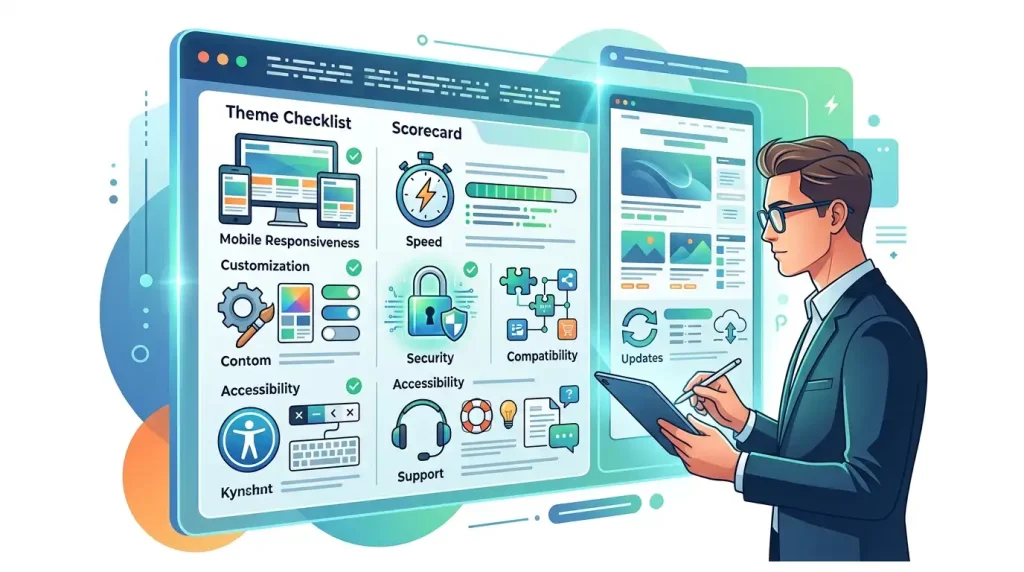
A Simple WordPress Theme Checklist
Before installing a theme, use this quick checklist:
| What to Check | Why It Matters |
|---|---|
| Website purpose | Ensures the layout fits your content |
| Mobile design | Helps visitors on phones and tablets |
| Performance | Can reduce unnecessary loading overhead |
| Editor compatibility | Keeps your workflow simple |
| Customization | Lets you adapt the design to your brand |
| Update history | Helps with long-term maintenance |
| Reviews | Reveals common user problems |
| Documentation | Makes setup and troubleshooting easier |
| Accessibility | Improves usability for more visitors |
| Plugin compatibility | Helps prevent conflicts |
| Security and source | Reduces avoidable risks |
| Long-term support | Makes future maintenance easier |
Frequently Asked Questions
What Is the Best WordPress Theme for Beginners?
There is no single theme that is best for every beginner. A good starting point is a theme that is lightweight, regularly maintained, easy to customise, compatible with your preferred editor, and suitable for the type of website you are building.
Are Free WordPress Themes Safe?
Free themes from reputable sources can be perfectly suitable for a website. Before installing one, check its source, update history, reviews, compatibility, and developer activity.
Do WordPress Themes Affect SEO?
A theme does not automatically make a website rank higher. However, theme-related factors such as mobile usability, performance, accessibility, clean structure, and user experience can influence how effectively your website performs.
Should I Use a Free or Premium Theme?
Choose based on your requirements rather than price. A free theme can be enough for a simple website, while a premium theme may be useful when you need additional customization or support.
Can I Change My WordPress Theme Later?
Yes. WordPress allows you to change themes, but you should test the new theme carefully first. Some theme-specific settings or layouts may need to be recreated after switching.
How Often Should a WordPress Theme Be Updated?
There is no universal update schedule. The important thing is whether the developer actively maintains the theme and provides compatibility updates when needed.
Final Thoughts
Learning how to choose a WordPress theme is less about finding the most attractive demo and more about finding a theme that fits the website you actually want to build.
Start with your website’s purpose. Then consider mobile usability, performance, customization, compatibility, maintenance, accessibility, support, and the reputation of the theme developer.
You do not need the theme with the longest feature list. In many cases, a clean and well-maintained theme that does exactly what you need is a better choice than an overloaded theme with features you will never use.
Take the time to test your shortlist before committing. A few minutes of research at the beginning can save you hours of redesign and troubleshooting later.