
Why WordPress Security News Matters for Website Owners
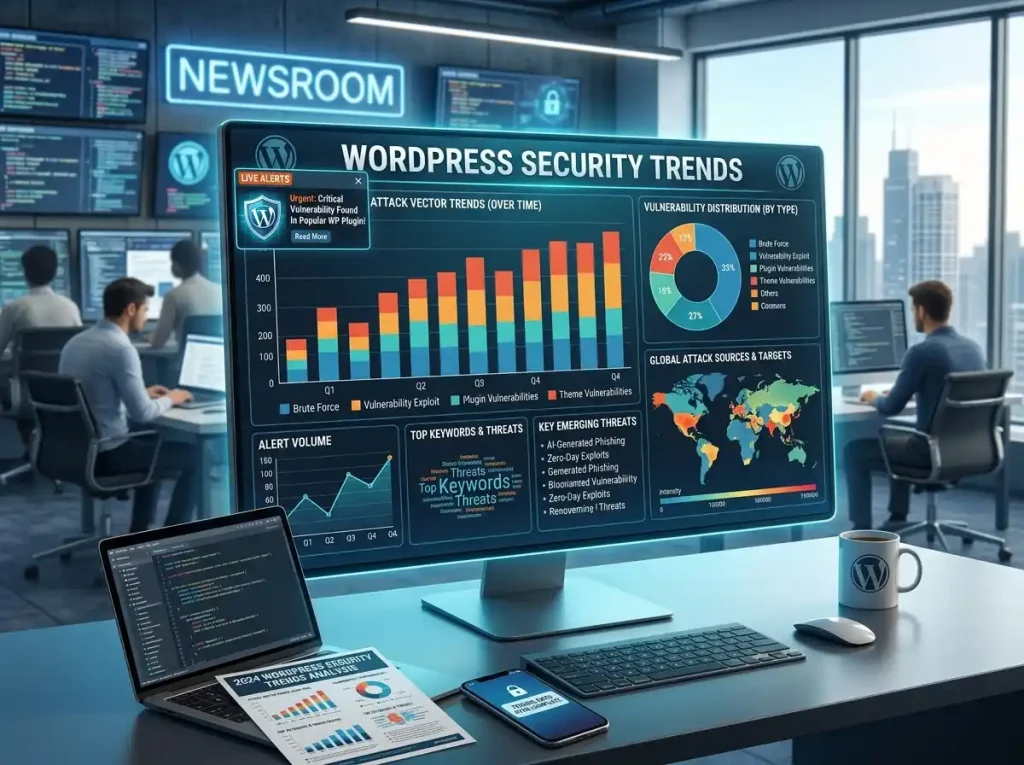
WordPress security news is important for every website owner because security problems, software updates, and newly discovered vulnerabilities can affect a website at any time.
Anyone planning to start a WordPress website should think about security before publishing their first page or post.
A website can be working normally today and still require an update tomorrow. A new WordPress release may fix a security problem, a plugin developer may discover an issue, or an unfamiliar login attempt may reveal that an account needs better protection.
The good news is that you do not need to be a security expert to take sensible precautions.
For most WordPress site owners, good security starts with a few basic habits: keep software updated, protect administrator accounts, use reliable backups, remove unnecessary software, and investigate anything unusual.
This page covers important WordPress security developments and practical steps you can use to protect your website.
The Latest WordPress Security Updates
WordPress 7.0.2 was released on July 17, 2026, as a security update. According to WordPress.org, the release fixed one critical and one high-severity security issue. WordPress recommends updating affected websites promptly.
The release addressed two reported problems. One involved SQL injection, while another involved a REST API batch-route issue that could allow SQL injection and remote code execution. Fixes were also provided for affected WordPress 6.9 and 6.8 versions.
If you manage a WordPress website, check your installed version from the dashboard rather than assuming that automatic updates have already completed.
WordPress 7.0.2 was released on July 17, 2026 as a security update. According to WordPress.org, the release fixed one critical and one high-severity security issue. Read the official WordPress 7.0.2 security release for the complete release information.
How to Check Your WordPress Version
You can check your WordPress installation from the administration area.
Go to:
Dashboard → Updates
This page shows whether WordPress itself, your plugins, or your themes have available updates.
The official WordPress release archive currently lists 7.0.2 as the latest release in the 7.0 series.
If your website is running an older version, review the available update before delaying it.
Why Security Updates Should Not Be Ignored
Some WordPress updates change features or fix ordinary bugs. Others exist because a security weakness has been discovered.
The second type deserves particular attention.
Once a vulnerability has been fixed publicly, continuing to use an affected version can leave a website exposed unnecessarily. Updating does not make a website invulnerable, but it removes problems that developers have already addressed.
That is one reason WordPress security maintenance should be part of your normal website routine rather than something you only think about after a problem occurs.
For more information about protecting a WordPress installation, you can also review the official WordPress security documentation.
Plugins Are Part of Your Security Responsibility
Plugins make WordPress useful for almost every type of website.
If you use a WordPress SEO plugin, make sure it is also kept updated and comes from a trusted developer.
You can use them for SEO, caching, forms, security, analytics, backups, ecommerce, page building, and many other tasks.
But every plugin also becomes another piece of software that needs maintenance.
Before installing a plugin, ask yourself:
- Do I really need this feature?
- Is the plugin still maintained?
- Does the developer release updates?
- Is it compatible with my WordPress version?
- Is it available from a trustworthy source?
If you no longer need a plugin, remove it instead of keeping unnecessary software installed.
Do the Same With Themes
Themes deserve the same attention as plugins.
A theme controls much of your website’s appearance, but it is still software and can require security and compatibility updates.
Keep the theme you actually use updated.
If you have old themes sitting unused on the website, consider removing them when they are no longer needed.
Avoid downloading modified or unofficial copies of premium themes from unknown websites. You may not know what has been changed inside the files.
Protect Your WordPress Administrator Account
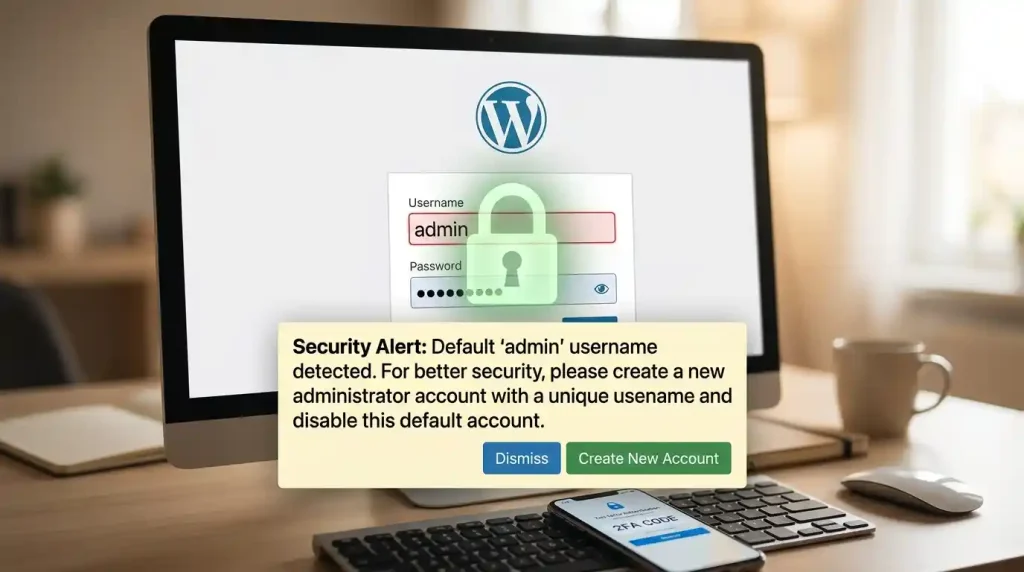
Your administrator account deserves special attention because it can control almost every important part of your website.
Someone with administrator access may be able to:
- Install or remove plugins
- Change themes
- Edit website settings
- Create users
- Publish or remove content
- Modify important configuration
Use a strong password that is unique to your WordPress account.
Do not use the same password for WordPress login, email, hosting, and other important services.
A password manager can help you create different passwords without requiring you to remember every one manually.
Add Another Layer With Two-Factor Authentication
A password is only one part of account protection.
Two-factor authentication adds an additional verification step before an account can be accessed.
For an administrator account, this can make unauthorised access more difficult even if the password is exposed.
If your WordPress security setup supports two-factor authentication, enabling it for administrator accounts is a sensible step.
If your WordPress security setup supports two-factor authentication, enabling it for administrator accounts is a sensible step. You can learn more about available authentication options in the WordPress security documentation.
Limit Who Gets Administrator Access
A common mistake is giving everyone administrator privileges.
Someone who only needs to write articles usually does not need permission to change plugins, themes, users, or core settings.
Give each account only the access required for its role.
This makes your website easier to manage and can reduce the potential impact of a compromised account.
Protect the WordPress Login
Automated systems frequently target login pages, so protecting the login process is worthwhile.
Depending on your setup, you can use:
- Strong passwords
- Two-factor authentication
- Login attempt limits
- Rate limiting
- Bot protection
- A reputable security plugin
- A web application firewall
Changing the login URL can be useful in some situations, but it should not be considered a complete security strategy.
The stronger approach is to protect the account itself rather than relying on a hidden address.
Make Sure HTTPS Is Working
Your website should use HTTPS.
A secure connection protects information exchanged between a visitor’s browser and your website.
You can check your website address in the browser. A secure site should normally begin with:
https://
If your website still uses HTTP or shows certificate warnings, contact your hosting provider or check your SSL configuration.
If HTTPS is not working correctly, check your hosting configuration or refer to the WordPress HTTPS documentation for additional information.
Backups Are Part of Security
Security is not only about preventing attacks.
It is also about being able to recover when something goes wrong.
A recent backup can be extremely useful after:
- A failed update
- A plugin conflict
- Accidental deletion
- A compromised website
- A server problem
- A database issue
Do not keep your only backup on the same server as your website.
More importantly, test your backups from time to time. A backup that has never been tested is not something you should blindly depend on during an emergency.
Remove Software You No Longer Use
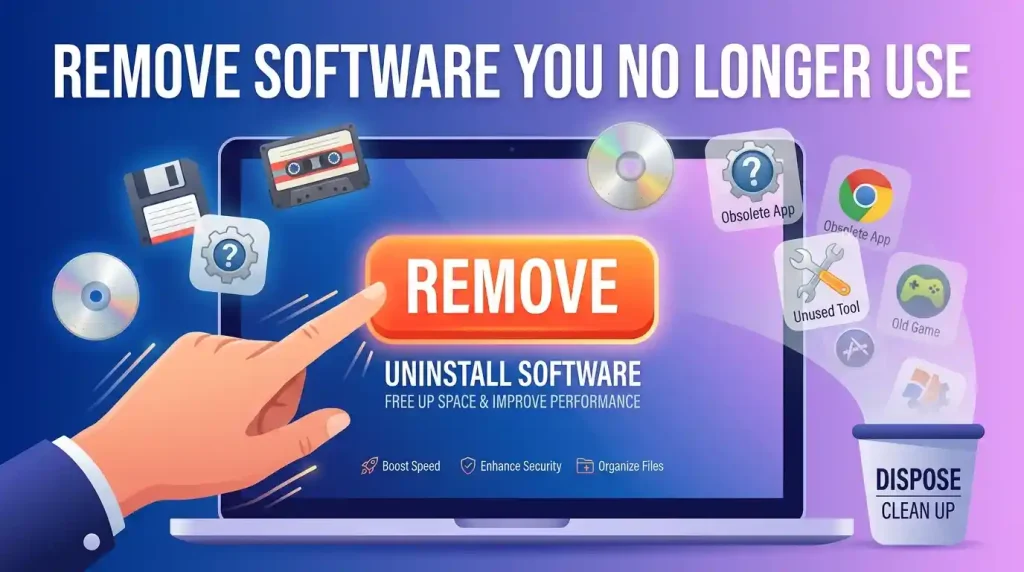
Take a look at your WordPress dashboard and ask yourself how many installed plugins and themes you actually need.
If you have plugins that you installed months ago and never use, removing them can simplify maintenance.
The same applies to unused themes.
A smaller, well-maintained installation is generally easier to keep under control than one filled with software that is no longer needed.
Watch for Changes You Did Not Make
You do not need advanced security knowledge to notice certain warning signs.
Pay attention if you suddenly find:
- A new administrator account
- An unfamiliar plugin
- Unexpected website redirects
- Strange pages or posts
- Content that you did not publish
- Unknown files
- Unexpected login notifications
Do not simply delete the visible problem and move on.
Try to determine how the change happened and whether anything else on the website was affected.
What About XML-RPC?
XML-RPC is not automatically dangerous, and not every WordPress website needs to disable it.
Some websites and services may depend on it.
If you do not need XML-RPC, restricting or disabling it may be worth considering. If your website does depend on it, make sure it is appropriately protected.
The right security decision depends on how your website actually uses the feature.
Keep Your Hosting Account Secure
Protecting WordPress itself is not enough.
Your hosting account may provide access to your website files, database, domain settings, backups, email, and other services.
Someone who gains access to that account may be able to cause much more damage than someone who only reaches a WordPress login page.
Use a unique password for your hosting account and enable additional authentication when your provider offers it.
Also avoid sharing your main hosting credentials with people who do not need complete account access.
What to Do If You Suspect a Hack
If something appears wrong with your website, avoid randomly installing multiple security tools or changing important settings without understanding the situation.
Start by checking what changed.
Look at:
- Recent administrator accounts
- Recently installed plugins
- Theme changes
- Unexpected posts or pages
- Unusual redirects
- Hosting activity
- Recent backups
If you have a clean backup from before the incident, it may provide a recovery option.
After recovering the website, review passwords and user permissions and make sure the software is fully updated.
For a serious compromise, professional assistance may be the safest option.
A Practical WordPress Security Routine
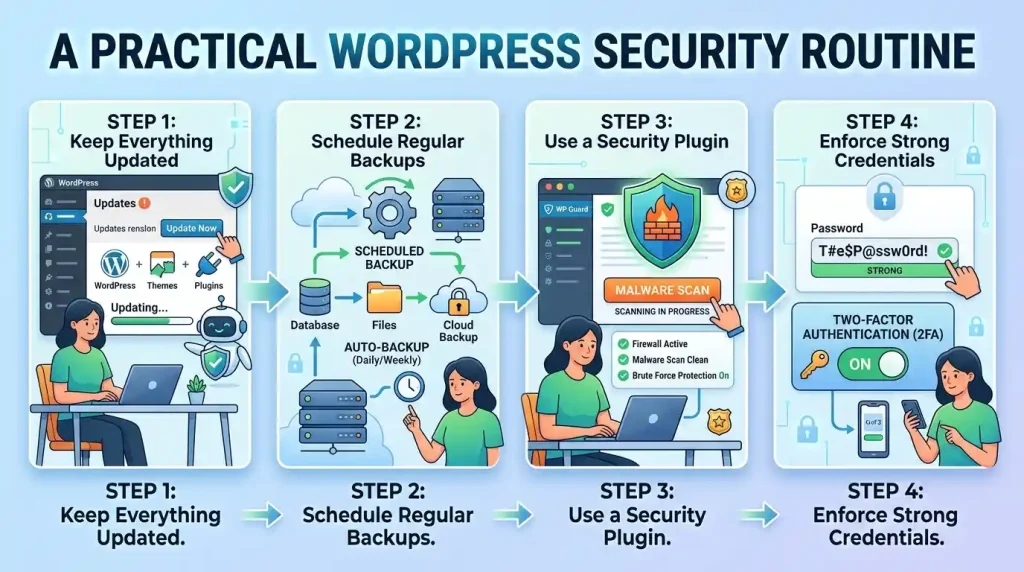
You do not need to spend hours every day monitoring your website.
A simple routine is enough for many site owners.
When you log in
Look for anything unusual.
Regularly
Check for WordPress, plugin, and theme updates.
Occasionally
Review your
- Administrator accounts
- Installed plugins
- Installed themes
- Backup status
- Security notifications
- Hosting account
After major changes
Confirm that the website still works properly and that you have a recent recovery option.
The important part is consistency.
WordPress Security Checklist
Before considering your website reasonably protected, check these items:
- WordPress is updated
- Plugins are updated
- Themes are updated
- Unused plugins have been removed
- Unused themes have been removed
- Administrator passwords are unique
- Two-factor authentication is enabled
- HTTPS is working correctly
- Recent backups are available
- Backup restoration has been tested
- Hosting account is protected
- User permissions have been reviewed
- Suspicious activity is monitored
You do not have to complete the entire checklist in one sitting. Start with account security, updates, and backups, then work through the remaining items.
Frequently Asked Questions
Is WordPress safe to use?
WordPress has an established security process and a dedicated security team, but the safety of an individual website also depends on its hosting, plugins, themes, configuration, and users.
What is the latest WordPress security release?
As of August 2026, WordPress.org lists 7.0.2 as the latest release in the 7.0 series. It was released on July 17, 2026.
Should I update WordPress when a security update is available?
In general, security updates should not be unnecessarily delayed. WordPress specifically recommends updating sites affected by the 7.0.2 security issues.
Can a security plugin completely protect my website?
No. A security plugin can provide useful protection, but it cannot replace updates, strong account security, backups, secure hosting, and sensible user permissions.
Should unused WordPress plugins be deleted?
If you are certain that you no longer need a plugin, removing it can reduce unnecessary software on your website and make ongoing maintenance easier.
Is changing the WordPress login URL enough?
No. Changing the login address alone does not provide comprehensive protection. Strong authentication, rate limiting, updates, and monitoring are more important parts of a complete security approach.
Final Thoughts
WordPress security does not have to become a complicated project.
Start with the basics.
Keep your software maintained. Give administrator access only to people who need it. Use strong and unique passwords. Add two-factor authentication. Keep reliable backups. Make sure HTTPS works. And investigate anything on your website that you did not expect to see.
The recent WordPress 7.0.2 security release is a good example of why regular maintenance matters. The release addressed two significant security issues and was accompanied by fixes for affected 6.9 and 6.8 branches.